 Leta
File management
Leta's files are plain text on your own disk, read and written without an account or a connection. It reads and writes the formats a shop, a printer and a supplier use, and AI apps on the same computer can build in it through Leta Assist.
Leta's files
Parts, assemblies, drawings and project parameters are each a file of readable text, so they compare, back up and go into version control like any other text.
- Parts (.lpt), assemblies (.lasm), drawings (.ldrw) and project parameters (.lppm)
- Plain, readable JSON
- Optional AES-256 password protection for a part's features, dimensions and names
- A part saved on Windows opens on Linux and rebuilds to the same model, and the other way round
Import
A STEP part can come in as a solid to build on, or be read back into features: extrudes, revolves, holes, rounds and chamfers, and sheet metal as flanges with dimensioned sketches.
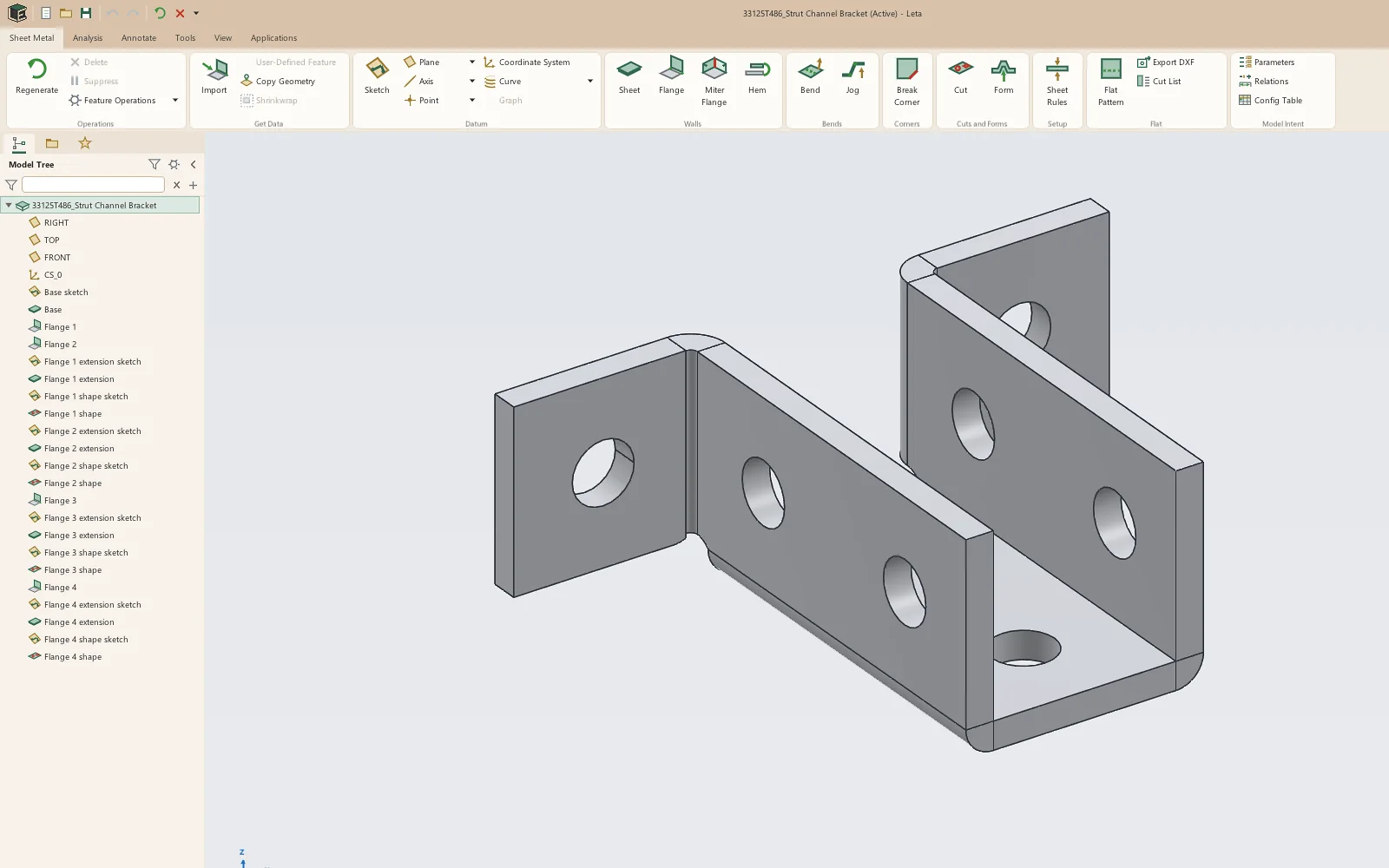
- STEP as a solid body, as recognized features, or as sheet metal
- IGES, and surface models in STEP and IGES
- Spline faces that are really planes, cylinders, cones, spheres or tori read as exact ones
- STL as a mesh body or a solid
- DXF into a sketch, ellipses and splines included
Export
- STEP and IGES
- STL, OBJ, and 3MF with a named part for each body
- DXF of sketches and flat patterns, R2000 or R12
- Drawings as PDF, DXF, SVG and PNG
- Bills of materials and cut lists as CSV or Excel
- Pictures of the view, to a file or the clipboard, and printing
- Pack and Go: an assembly and everything it uses, in one folder
3D printing
The 3D Printing tab sends a part to a slicer installed on the computer in one click, and checks it against the printer it is going to.
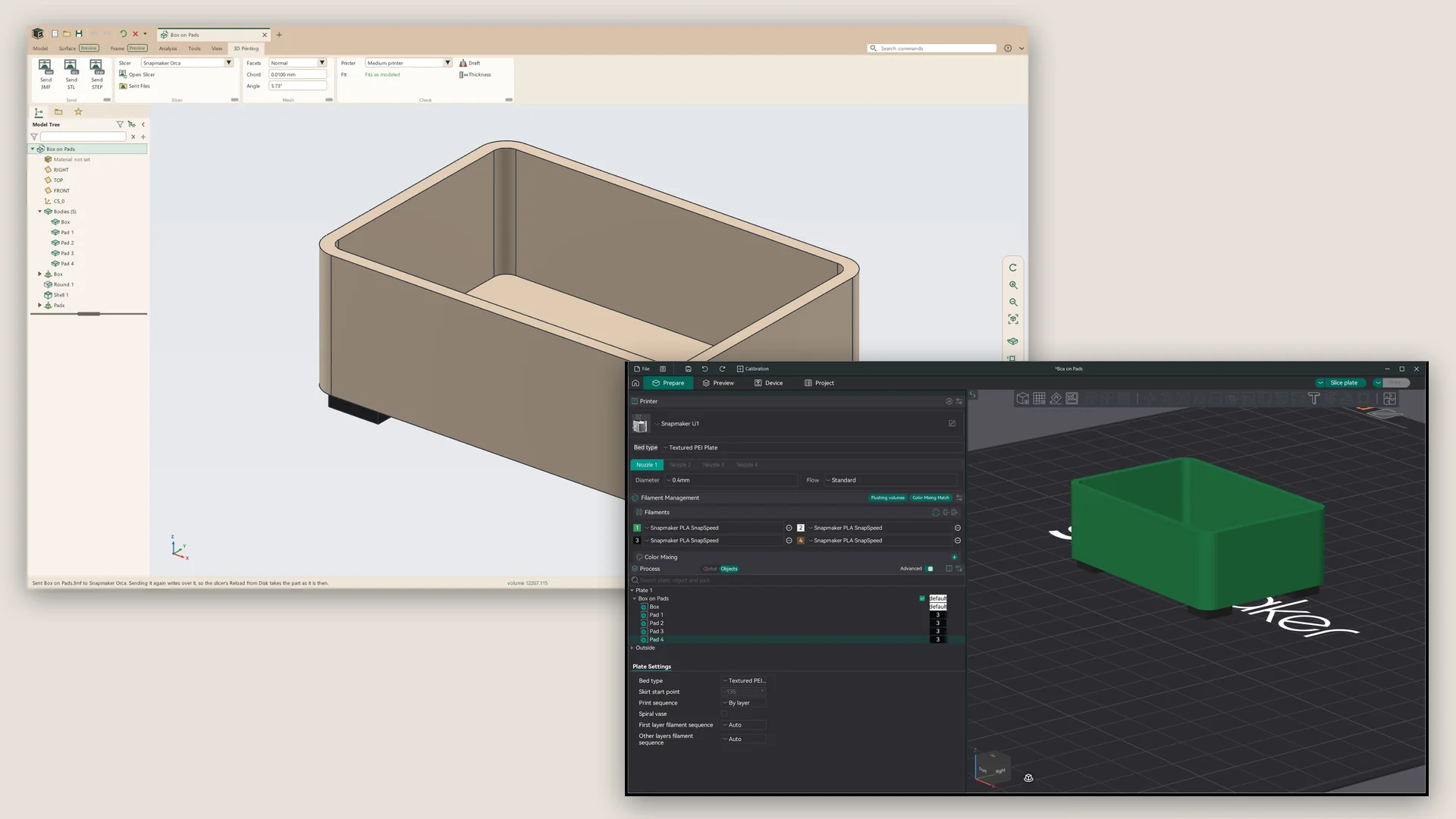
- Send 3MF, STL or STEP to a slicer found on the computer
- Coarse, normal or fine facets, or a chord and angle of your own
- Whether the part fits the printer as modeled, laid on another side, or not at all
- Draft and thickness checks
- Threads with fits for resin and FDM printing, and heat-set inserts in the hardware library
Saving and recovery
- Save, Save As, Save a Copy and Save a Recovery Copy
- Numbered versions, kept to a count you set, with Delete Old Versions
- Rename a file from Leta
- Autosave every five minutes, and recovery after a crash or a restart for updates
- A save is written whole or not at all, never left cut off
Finding and opening files
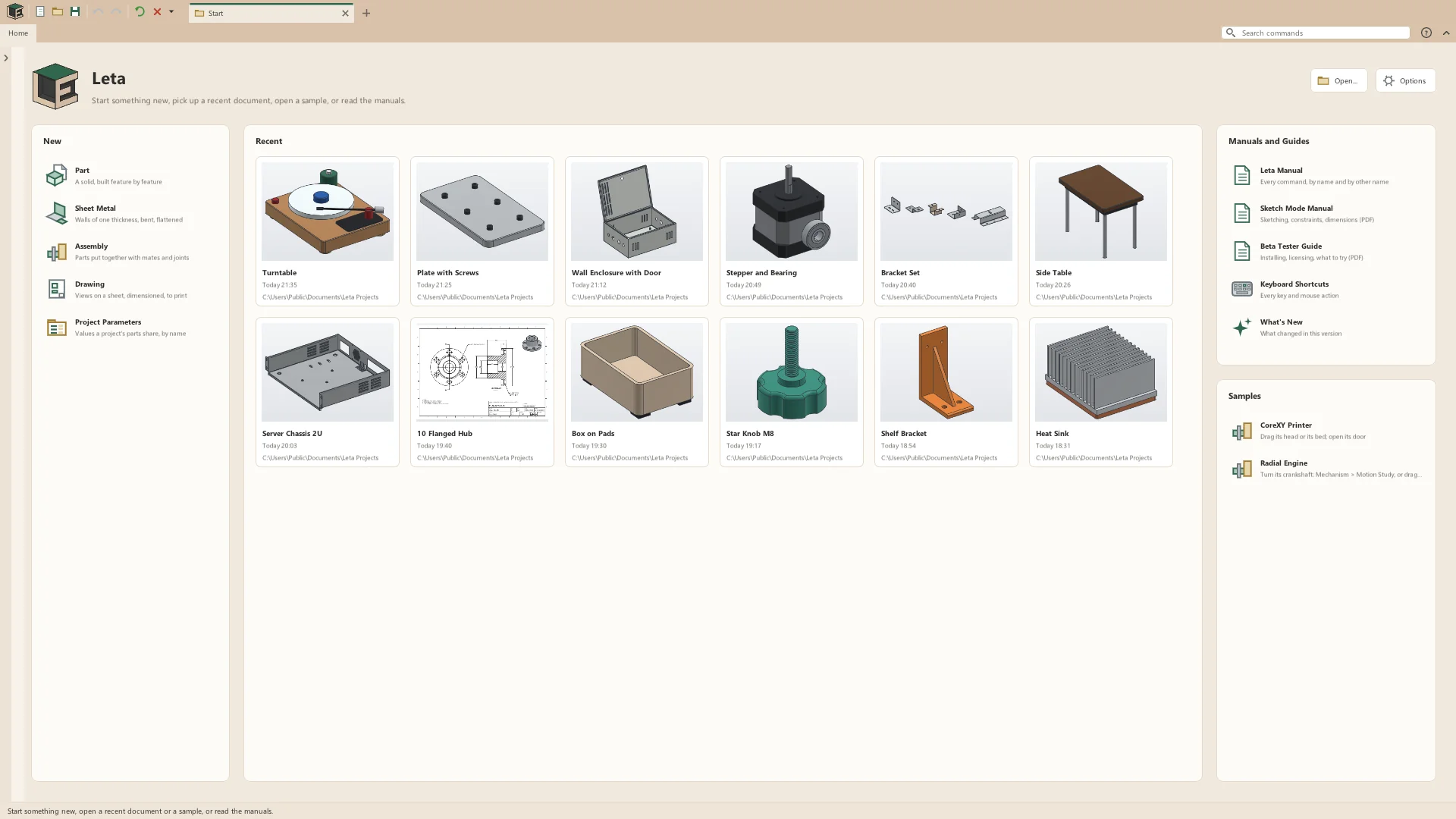
- A start page with new documents, recent files and their 3D previews, and the manuals
- Samples: a CoreXY 3D printer and a seven-cylinder radial engine, ready to open
- A folder browser and favorites, to open files or insert them into an assembly
- Files as tabs of one window, or each in a window of its own
- Drag and drop to open
- References: moved files found again for an assembly
Leta Assist
An AI app already on the computer, a desktop chat app or a coding tool, can build and change parts, assemblies and drawings in the Leta window in front of it. It writes Leta script, so every step it takes is an ordinary feature, mate, view or dimension in the history, each script it runs is one undo step, and it never saves over another file.
Updates and installing
- A check for updates once a day; nothing is installed until you choose
- What's New lists every version skipped
- Windows: a signed installer, for one user without administrator rights or for everyone, or a portable zip
- Linux: a one-line install into the home folder with a menu entry and file types, an AppImage, or a .tar.gz
- Software rendering on computers without a usable graphics driver
- Report a Problem sends a crash report with the session's log
See it on your own parts
Beta builds go out by email. Say what you design and what you use now.